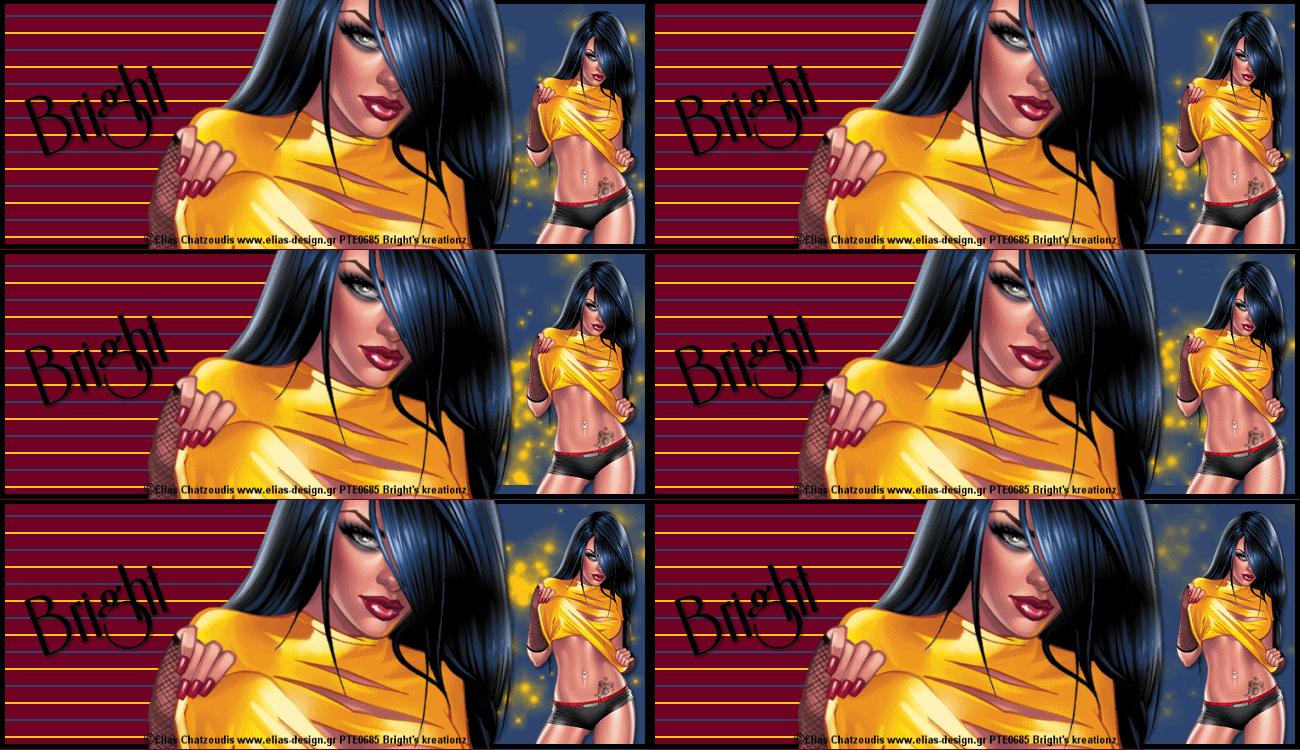
Psychedelic


Tube of choice i used Elias Chatzoudis.
You need a licence to use this art,you can purchase one HERE.
Animation 71-80 HERE. Thank you for sharing.
Supplies.
Banner...
Open my banner from supplies.
Highlight background layer edit copy merged
paste in animation shop as new image duplicate 30 times.
Open animation resize to your own liking.
Highlight 1st. frame edit select all edit copy highlight
1st frame on your banner background.
Edit select all edit paste in selected frame on top
of right side of template.
Back to psp.
Highlight frame layer select all resize close up tube
paste as new layer in center of template drop shaddow.
Resize full tube paste as new layer place to right of template
drop shaddow select none, drag close up tube to the top.
Add url copyright and watermark.
Add name place to left of template rotate drop shaddow.
Close background layer, merge other layers visable.
Edit copy paste in animation shop as new image.
Duplicate 30 times highlight 1st frame edit select all
edit copy back to your template background
edit select all edit paste in selected frame try not to move
your mouse as its pasting.
view animation save as.
Avatar...
Work as for your banner template, resize layers as you go.
Adding 1st letter of your name place to top left of avatar.
View animation save as.
hope you enjoyed doing my tut, thanks for trying it.

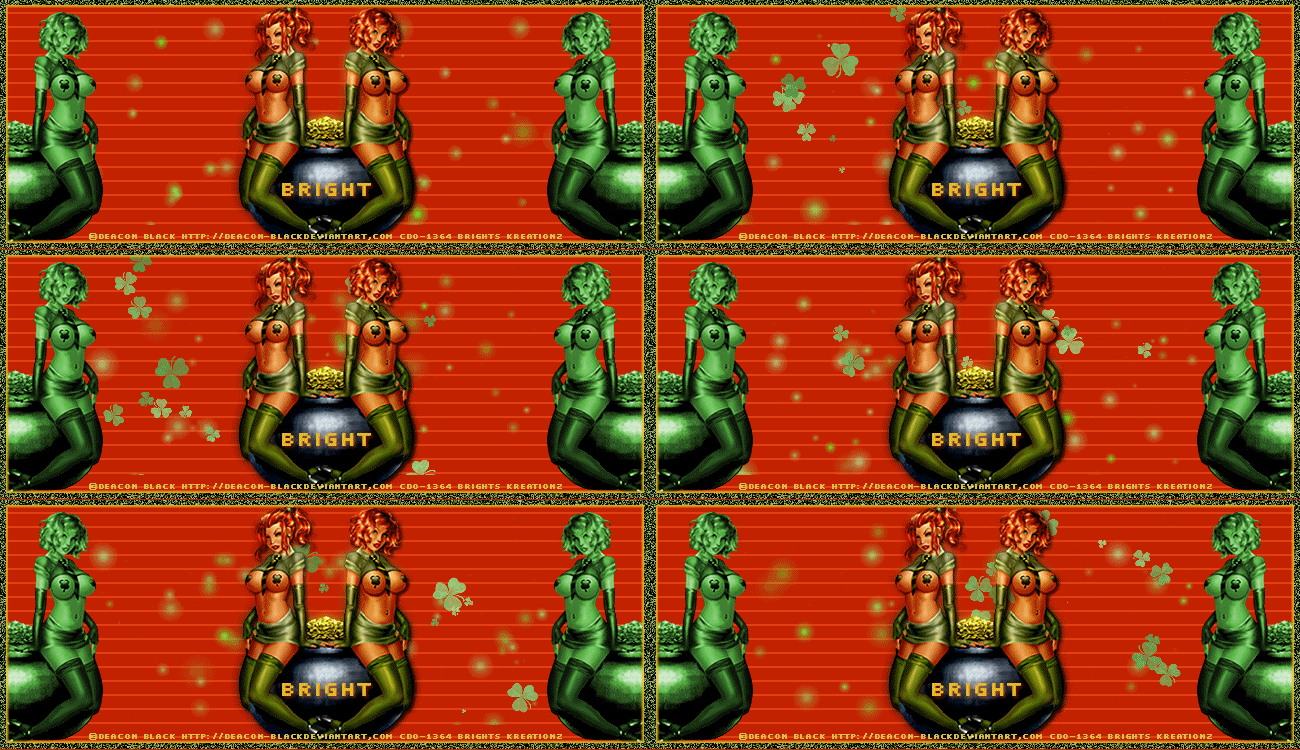
Colour me Irish


Tube of choice i used Deacon Black.
You need a licence to use this art, you can purchase one HERE.
Supplies.
Animation 61-70 HERE. Thankls for sharing.
Banner...
Open my banner from supplies in psp.
Highlight background layer, edit copy paste in animation shop
as a new image, duplicate 35 times.
Open clover animation shop resize by 85.
Highlight 1st.frame edit select all edit copy highlight
1st. frame of your background edit select all
edit paste in selected frame move to the left of frame
repeat again but move to the right of frame.
View animation if happy with it continue if not
repeat until its how you want it to look.
Back in psp highlight frame layer magic wand
click in center of banner.
Resize your tube colourize to green paste as new layer
place to left of banner duplicate image mirror merge these
two layers visable.
Paste tube again place in center of template.
duplicate on original tube add gussian blur on 5.
On copy drop shaddow and duplicate.
add url copyright and watermark.
Add name place on top center of pot of gold drop shaddow.
Close background layer, merge visable all other layers.
Edit copy paste in animation shop as new image
duplicate 35 times. Edit selct all edit copy highlight
1st.frame of background edit copy edit paste in selected frame
again try not to move mouse, view animation.
Save as.
Avatar...
Open template and work same as you did for your banner.
Resize layers as you go.
Resize clover animation to fit on top of avatar background.
View animation save as.
Hope you enjoyed doing my tut, thanks for trying it.


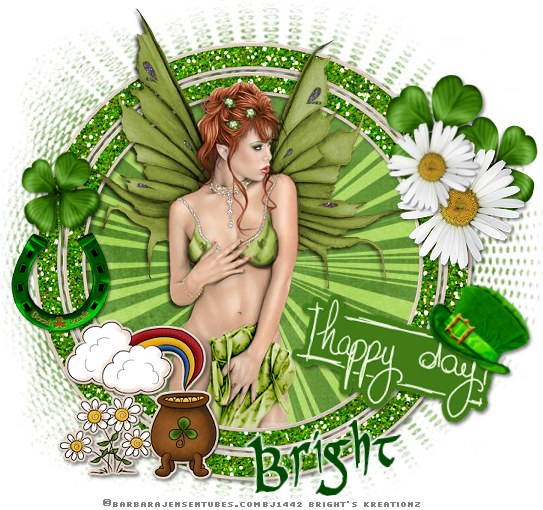
Happy day


Tube of choice i used Barbara Jensen.
You need a licence to use this art, you can purchase one HERE.
Freebie O'Lucky HERE. Thanks for sharing.
Mask 52 of masks4 HERE. Thank you for sharing.
Tube of choice i used PR Celtic Narrow.
File new 650x650 fill with white, new layer fill with colour
of choice, mask new from image select and apply mask
merge mask visable make mask larger by110 duplicate.
Resize frame5 paste as new layer on top center
of mask, magic wand click in center of frame and not to
forget the small bits, selections modify exspand by5
Fill with paper of choice invert delete on keyboard
drag below frame.
resize tube of choice image mirror paste as new layer
to bottom of frame delete on keyboard, select none.
paste tube again drag to top of 1st. tube drop shaddow
use selection tool cut off overlappinh of tube
on bottom of frame.
Resize horseshoe1 paste as new layer place to left
bottom of frame drop shaddow.
Resize clover3 paste as new layer place just above horseshoe
drop shaddow.Duplicate image mirror place
top right of frame duplicate place right of last clover.
Resize flower4 paste as new layer place on top left
of bottom clover drop shaddow duplicate resize by110
place under bottom of 1st.flower.
Resize happydaywa paste as new layer place bottom right
of frame rotate drop shaddow.
Resize hat paste as new layer place on top right
corner of wordart tag rotate drop shaddow.
Add url copyright and watermark.
Add name place bottom of frame add EC gradient glow.
Hope you enjoyed doing my tut, thanks for trying it.